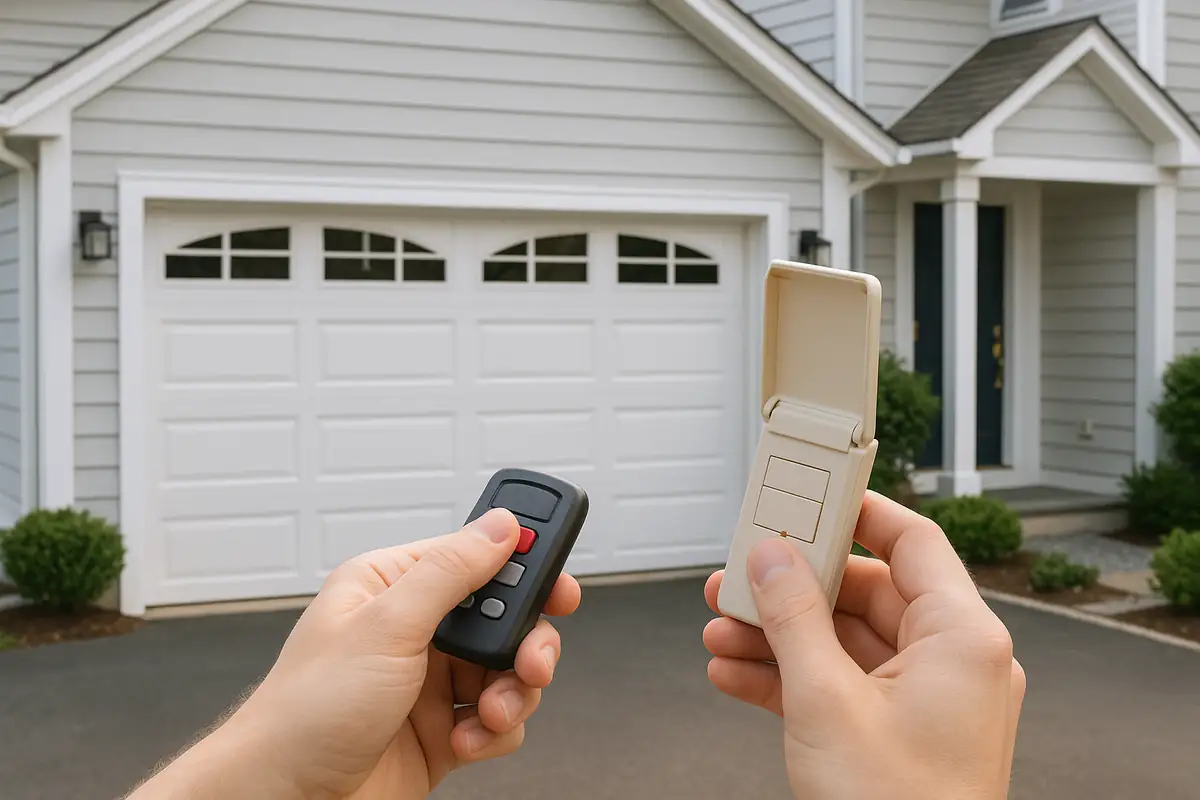
How to Program Your Garage Door Remote: A Comprehensive Guide by All Above Garage Door Repair
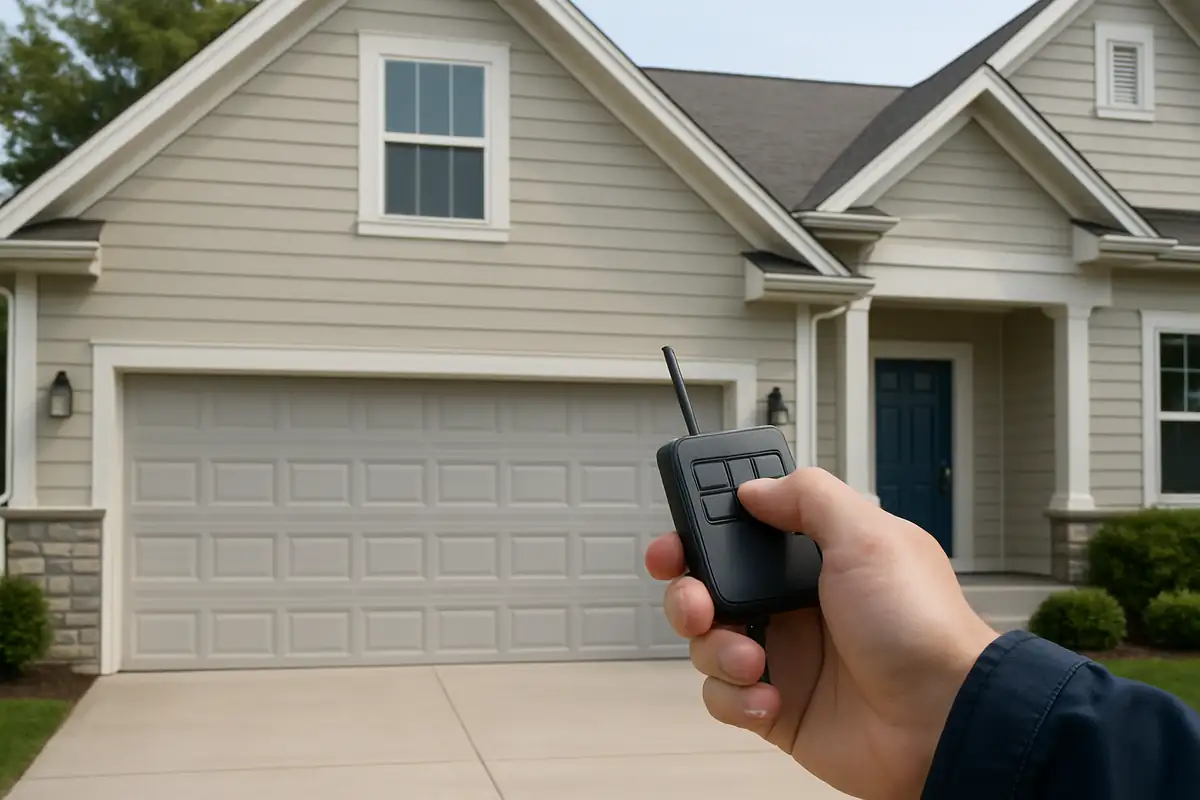
Understanding Your Garage Door Remote
If you’ve ever struggled to get your garage door remote to work properly, you’re not alone. Many homeowners in Hayward, CA, face similar challenges. Fortunately, programming your garage door remote is a straightforward process that you can often handle yourself. This guide will walk you through the necessary steps to ensure your remote functions seamlessly.
Why Programming Your Remote Matters
Before diving into the programming process, let’s discuss why it’s important:
- Security: A properly programmed garage door remote ensures that only authorized users can access your garage.
- Convenience: A functioning remote allows easy access, especially when your hands are full.
- Functionality: Programming ensures that your remote communicates effectively with your garage door opener.
Step-by-Step Guide to Programming Your Garage Door Remote
Gather Your Tools
Before you start, ensure you have:
- Your garage door remote.
- Your garage door opener model number (usually found on the back of the unit).
- A step ladder (if necessary).
Locate the 'Learn' Button
1. Find your garage door opener: This is typically mounted on the ceiling of your garage.
2. Locate the 'Learn' button: This button is often colored yellow, red, or orange and is usually near the antenna wire.
Programming Your Remote
Now, follow these steps to program your remote:
- Press the 'Learn' button once. You should see a corresponding light turn on—this indicates that the opener is ready to learn.
- Within 30 seconds, press and hold the button on your remote that you wish to program.
- Once the opener light blinks, release the button. This indicates that the remote has been successfully programmed.
Testing the Remote
After programming, you’ll want to test your remote:
- Stand within range of the garage door.
- Press the button you programmed.
- Observe if the garage door opens/closes as expected. If it doesn’t, you may need to repeat the programming steps.
Troubleshooting Common Issues
Even after following the programming steps, you might run into some problems. Here are some common issues and their solutions:
- Remote not working: Check the batteries in your remote. If they’re dead, replace them and try again.
- Interference: Ensure there are no obstructions or electronic devices nearby that could interfere with the signal.
- Too far away: Make sure you are within the effective range when programming or using the remote.
Additional Tips for Garage Door Maintenance
Programming your remote is just one aspect of maintaining a functioning garage door system. Here are some additional tips for upkeep:
- Regular Inspections: Check the garage door’s springs, cables, and rollers for wear and tear.
- Keep Tracks Clean: Dust and debris can interfere with the door’s movement. Regularly clean the tracks and ensure they are aligned.
- Test Safety Features: Regularly test the reverse mechanism to ensure it engages properly.
When to Call a Professional
While many might choose to tackle programming themselves, there are situations where contacting a professional is the best option:
- If you’re unsure about safety features.
- If the garage door opener is malfunctioning.
- If you face consistent issues with your remote or opener.
Contact All Above Garage Door Repair in Hayward, CA
When it comes to garage door repair and maintenance in Hayward, CA, trust the experts at All Above Garage Door Repair. Whether you need assistance with programming your remote, troubleshooting issues, or comprehensive garage door services, our skilled technicians are here to help. Don’t hesitate to call us today or visit our website to learn more!
Explore More Resources
Related Articles
Our Services
Professional garage door repair, spring repair, opener installation and more. View all services →

Chris T.
View full profile
Choosing the Right Garage Door for Your Climate in Hayward, CA
When to Replace vs Repair Your Garage Door | All Above Garage Door Repair